Shipwright — job-3-44fa4f
app 6803901837 build 3 (b67d7ac5-daf0-49df-997f-79f50be624f4) version 44a53643-1738-43ea-ac1d-f5ea877519de state rejected trigger webhook LIVE
Stages
| intake | done | |
| metadata | done | |
| screenshots | done | |
| preflight | done | |
| submit | done | |
| watch | running | |
Metadata (critique loop, 3 state writes)
| name | SnipStash: Clipboard Manager (28) |
|---|
| subtitle | Copy Paste Template Organizer (29) |
|---|
| keywords | snippet,quick,vault,save,text,code,url,link,email,phone,tag,search,rapid,utility,history,board,tool (99) |
|---|
| promotionalText | Instantly save and organize your clipboard. Access your templates, code, and links offline in one secure vault. (111) |
|---|
description + review notes
Stop retyping and start pasting instantly.

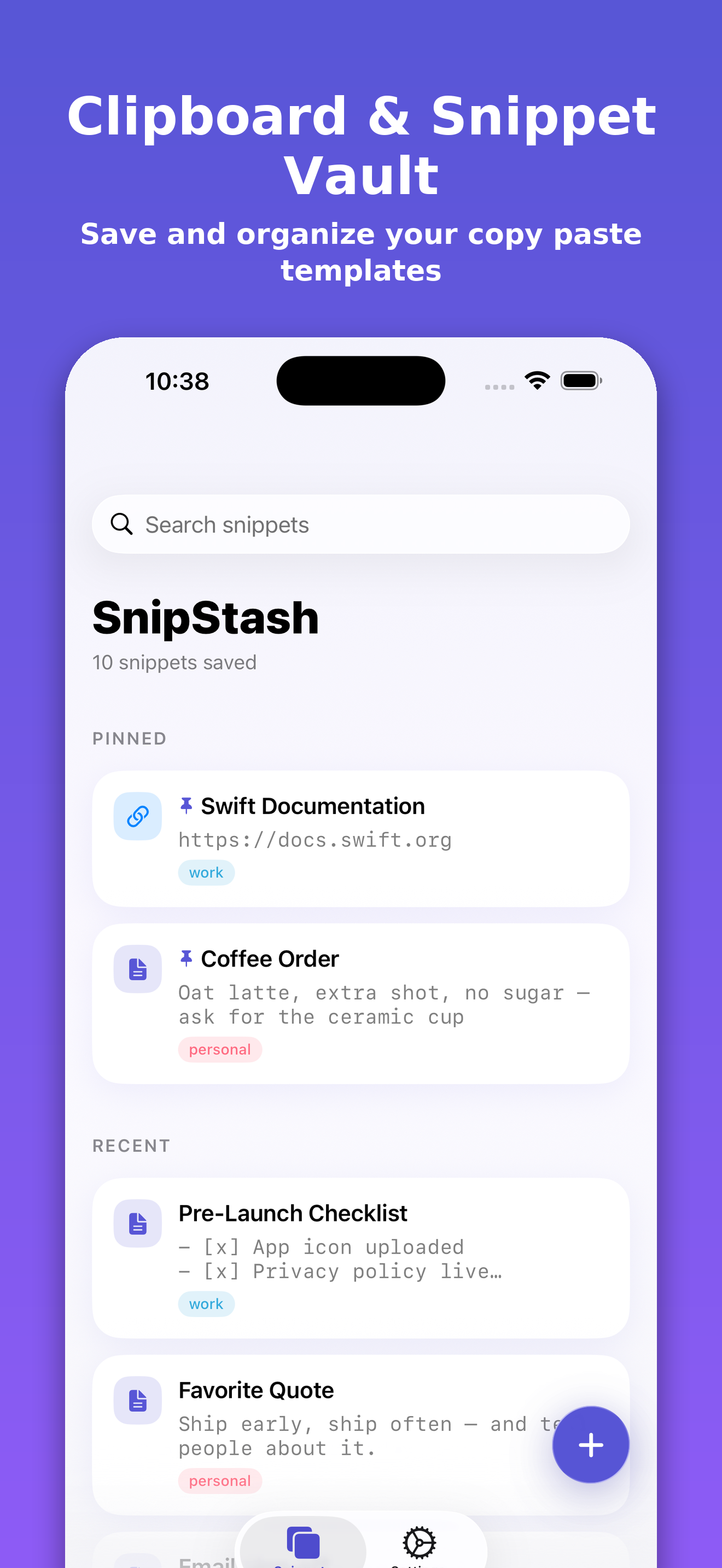
SnipStash keeps everything you copy in one secure, searchable vault on your device. From code snippets and links to email templates and standard replies, your most-used text is always one tap away.

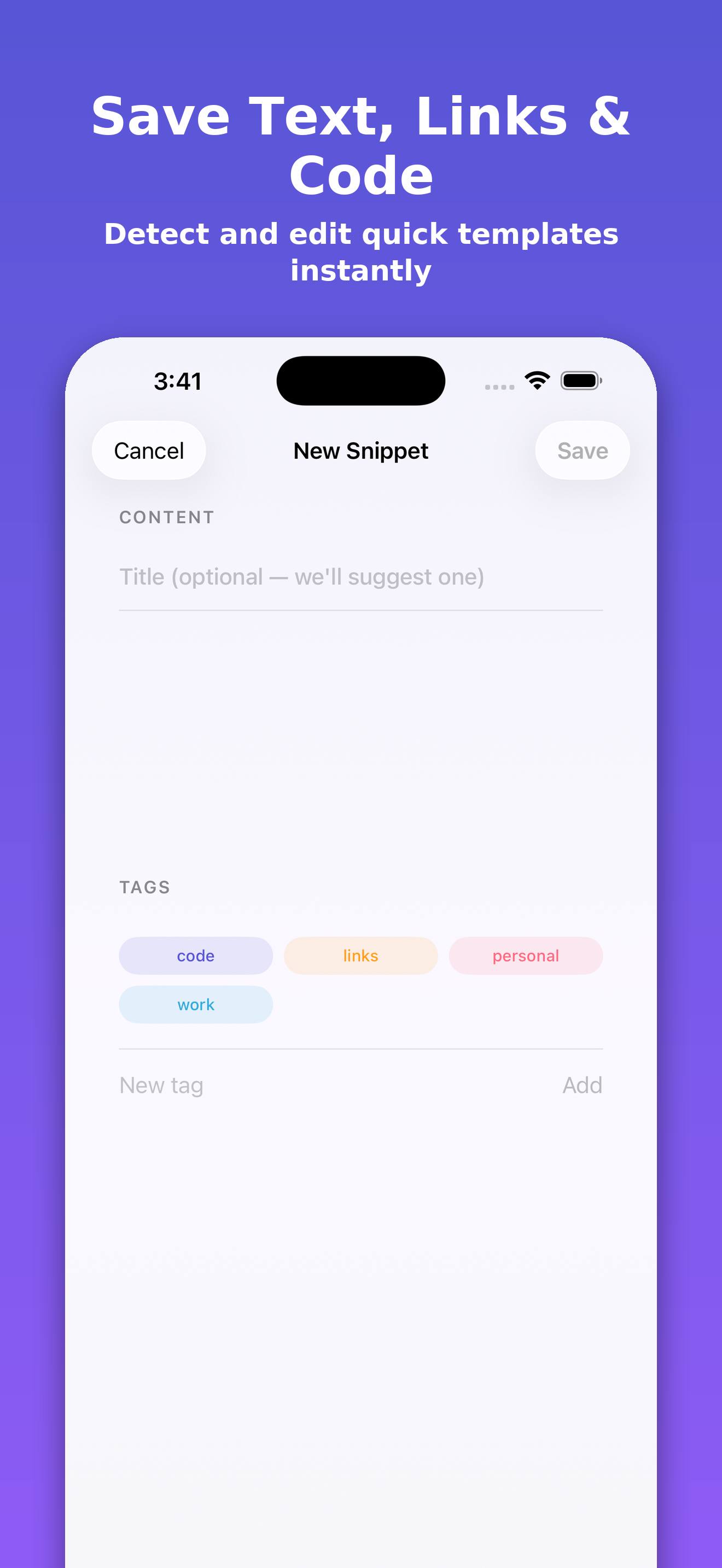
Simply open the app to instantly save your clipboard contents with our smart banner. The built-in heuristics automatically tag and title your entries, identifying links, emails, phone numbers, and code blocks instantly.

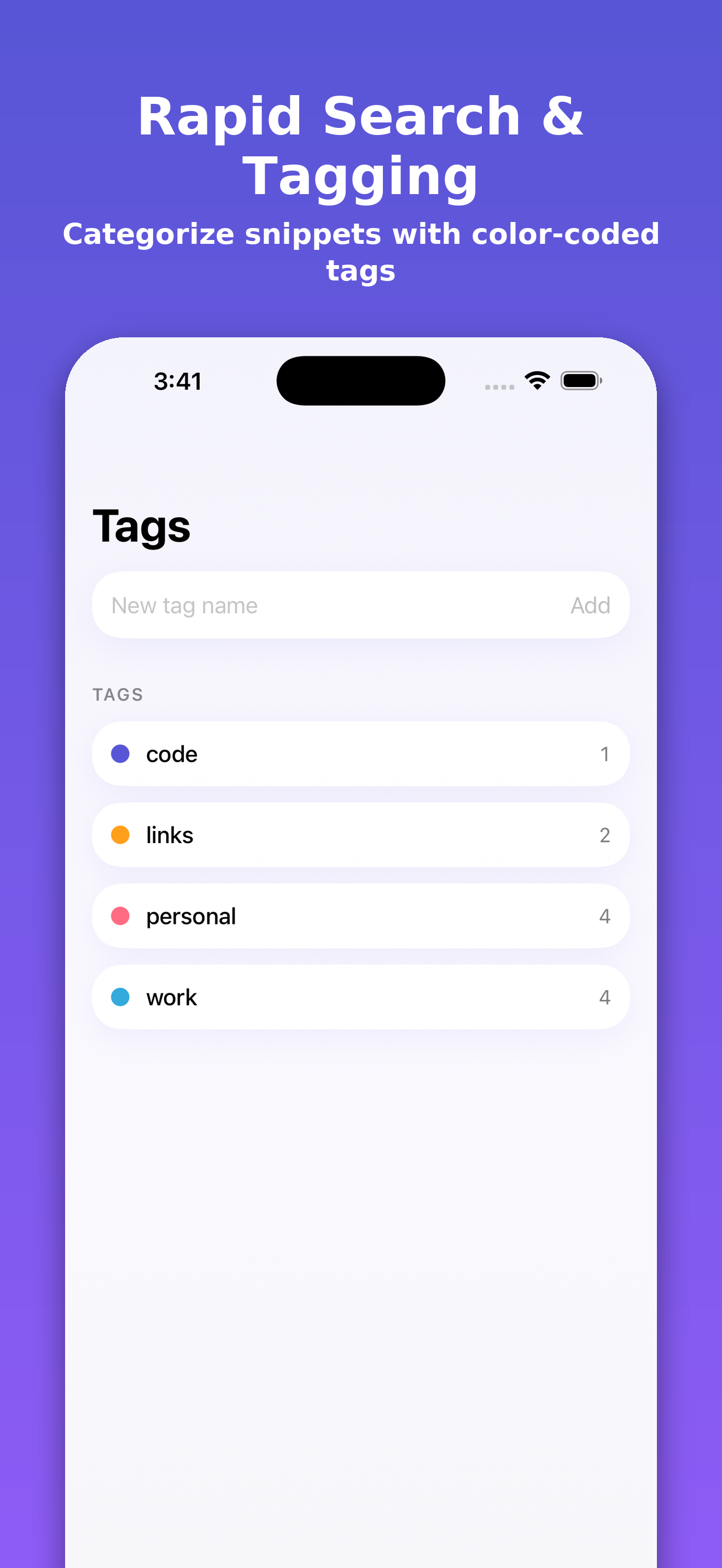
Keep your vault organized with custom color-coded tags and pinned shortcuts. Tap any saved snippet to copy it back to your clipboard instantly with satisfying haptic confirmation, ready to paste anywhere.

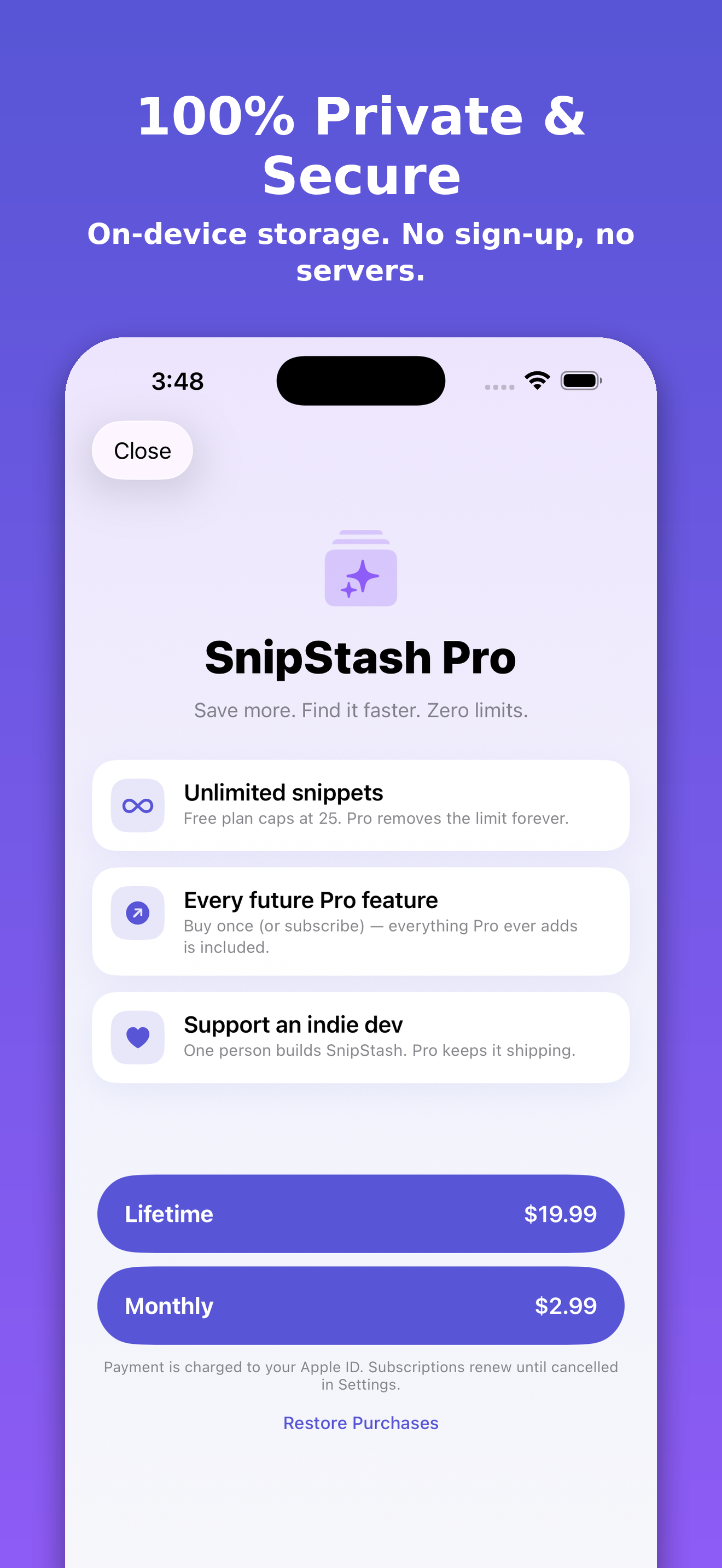
All data remains entirely on your device with offline storage, requiring no accounts, cloud sync, or external servers. Upgrade to SnipStash Pro with a simple subscription or pay once for lifetime unlimited snippet creation.

Your clipboard data never leaves your device. SnipStash operates completely offline without tracking or external servers.

Terms: https://www.apple.com/legal/internet-services/itunes/dev/stdeula/  Privacy: https://byasb.com/snipstash/privacy

--- review notes ---
1. No demo account is required to test SnipStash as all data is stored locally on the device (SwiftData) with no login mechanism. The app automatically seeds 10 demo snippets upon first launch.
2. Feature - View & Copy Snippets: On the home screen, view the 10 pre-seeded snippets. Tap any snippet card; it will copy to your device clipboard with a haptic vibration confirmation.
3. Feature - Clipboard Detection: Copy any text outside the app, then open SnipStash. Tap the "Save clipboard?" banner at the top to save it without any paste-permission prompts.
4. Feature - Smart Tagging: Notice that saved items with URLs, emails, or code are automatically categorized with color-coded tags.
5. Feature - Search & Tags: Tap the search bar to filter snippets, or tap the Tag Manager in Settings to manage colors.
6. Feature - Siri Shortcuts: Open the Shortcuts app on your device to find the "Save Snippet" and "Search Snippets" app intents ready for testing.
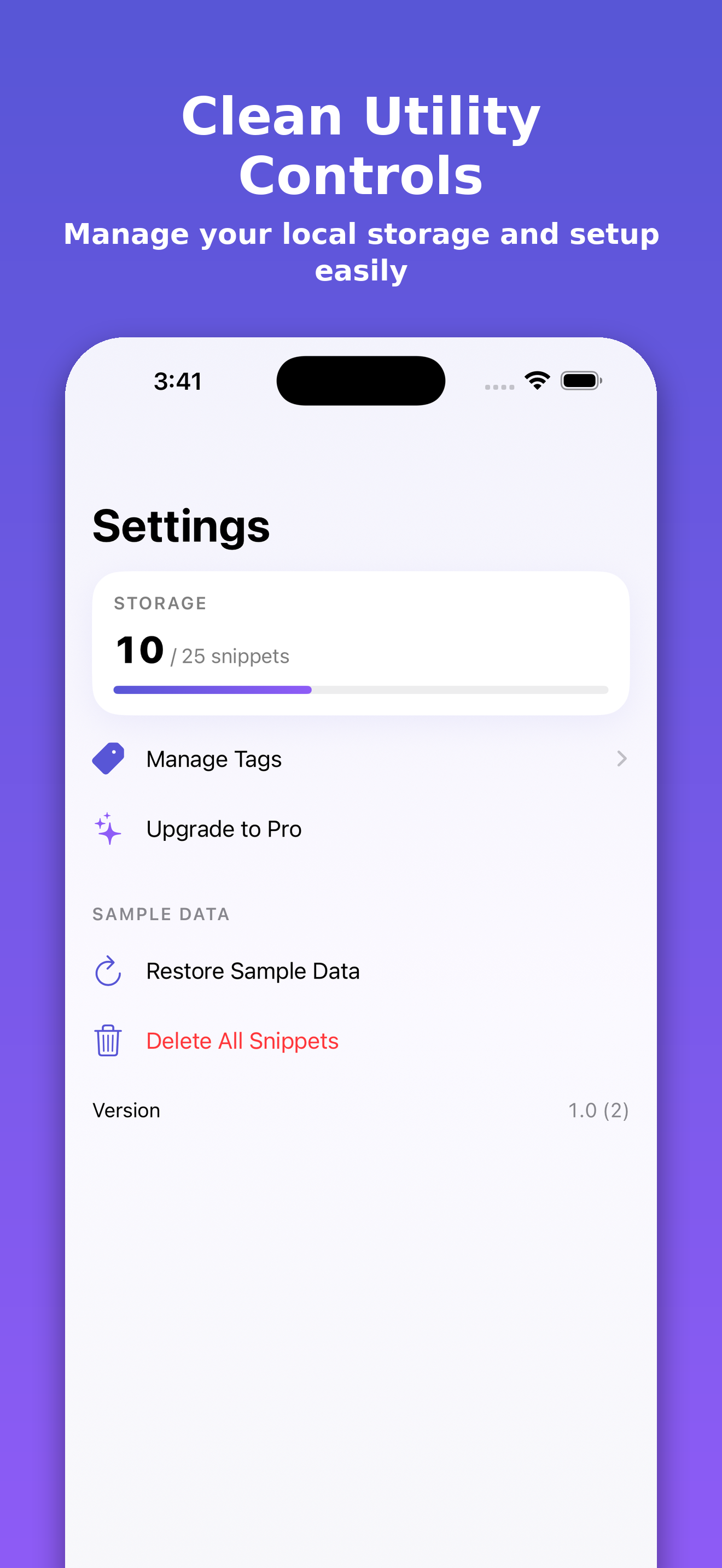
7. Monetization & Paywall: Navigate to Settings -> SnipStash Pro to view the paywall. You can also trigger it by attempting to add a 26th snippet (after adding 15 more to the initial 10). The paywall loads prices via StoreKit and includes a functional "Restore Purchases" button.
8. Permissions: No system permissions (like Camera or Location) are required. Clipboard is only read locally upon explicit user tap on the banner.
Screenshots (gradient)
Preflight — PASS
VERDICT: PASS
BLOCKING: Build - AUTO-FIXED (Build 1.0 attached successfully)
OPERATOR: App Privacy questionnaire must be PUBLISHED (saved ≠ published)
OPERATOR: Answer "No" to 2026 'regulated medical device' banner under App Information
OPERATOR: Complete Paid Applications Agreement, banking, and tax contracts to prevent StoreKit returning 0 products
OPERATOR: Attach first subscription/IAP via the version page IAP dialog (prevents inAppPurchaseV2 rejection in 2026)
REJECTION REASON: App Store submission will be rejected if the App Privacy questionnaire is not published.
5 findings before auto-fix
| BLOCK | build | no build attached to the version | fix_attach_build |
| WARN | app_privacy | App Privacy questionnaire must be PUBLISHED (saved ≠ published) | operator |
| WARN | medical_device | 2026 'regulated medical device' banner under App Information — answer No | operator |
| WARN | paid_apps_agreement | Paid Applications Agreement + banking + tax Active, else StoreKit returns 0 products | operator |
| WARN | iap_draft_submission | first subscription/IAP attaches via the version page IAP dialog (reviewSubmissionItems rejects inAppPurchaseV2 in 2026) | operator |
Submission
{
 "submission_id": "e5b7f72c-0495-4831-a776-dbf080fe7faa",
 "submission_state": "WAITING_FOR_REVIEW",
 "version_state": "WAITING_FOR_REVIEW",
 "submitted": true
}
Operator items
- App Privacy questionnaire must be PUBLISHED (saved ≠ published)
- 2026 'regulated medical device' banner under App Information — answer No
- Paid Applications Agreement + banking + tax Active, else StoreKit returns 0 products
- first subscription/IAP attaches via the version page IAP dialog (reviewSubmissionItems rejects inAppPurchaseV2 in 2026)
Events
| 19:51:07 | job created from webhook |
| 19:53:02 | preflight pass 1: 5 findings, verdict BLOCKED |
| 19:53:06 | auto-fix fix_attach_build: ok |
| 19:58:22 | pipeline finished: waiting_for_review |
| 20:00:05 | reconcile: version state None → WAITING_FOR_REVIEW |
| 00:00:09 | reconcile: version state WAITING_FOR_REVIEW → REJECTED |